Output Basics
- Outputs supply the operating voltage from Etäbox to external devices when activated. For example, if Etäbox is connected to a 12V battery, the outputs (OUT1, OUT2, and OUT3) supply that same voltage when activated.
- You can configure multiple outputs simultaneously and set different behaviors and conditions for each output according to your needs.
Activating an Output
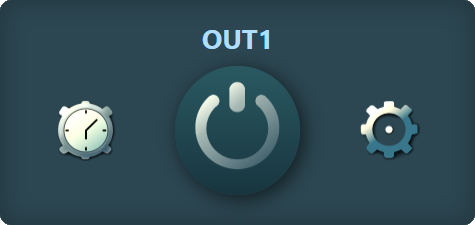
- The output is activated by tapping the circle in the center.
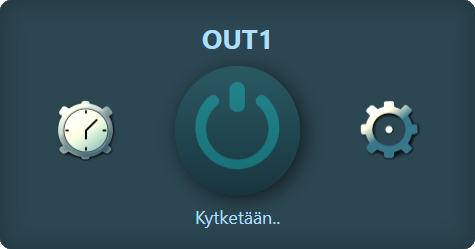
- The output turns on after a few seconds or minutes, depending on the configured data update interval.
- Tapping the same button again turns off the output manually if it is active.
Output Advanced Settings
- Each output has its own advanced settings that define its behavior.
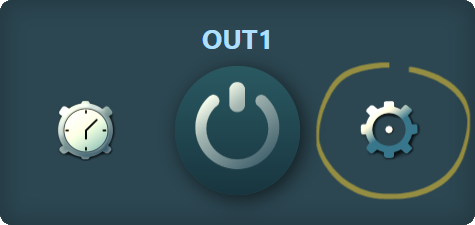
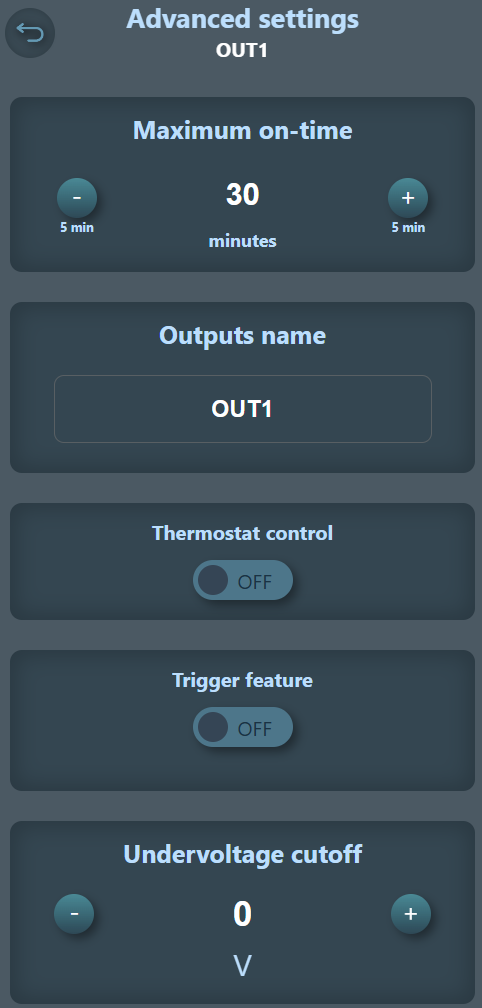
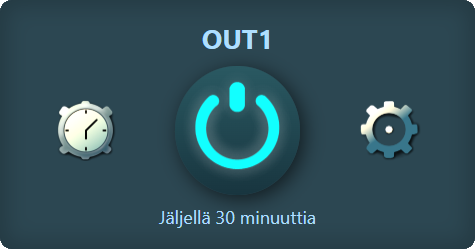
- Maximum on-time = defines how long the output stays active before automatically turning off.
- Output name = you can give the output a recognizable name that is displayed in the interface.
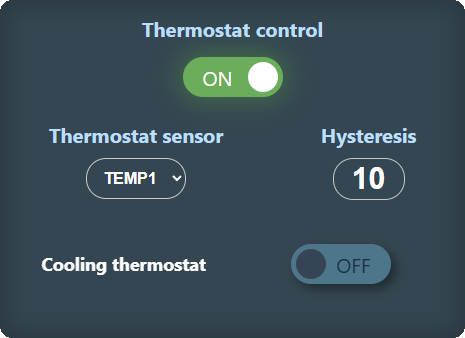
- Thermostat control = you can set the output to operate with thermostat control, turning it on or off based on temperature.
- Trigger feature = you can configure the output to stay on for 1ms - 9999ms, giving a pulse of a specific length, intended for devices controlled by an ON/OFF button.
- Undervoltage limit = you can set the output to turn off automatically if Etäbox's supply voltage drops below a set threshold, protecting batteries from excessive discharge.
Scheduling an Output
Each output has its own schedules, allowing you to set the output to turn on at specific times and weekdays.
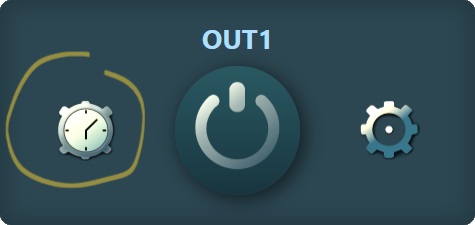
Navigate to output schedules
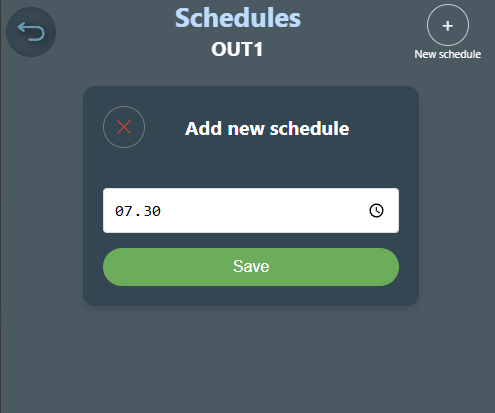
Create a new schedule by selecting a time
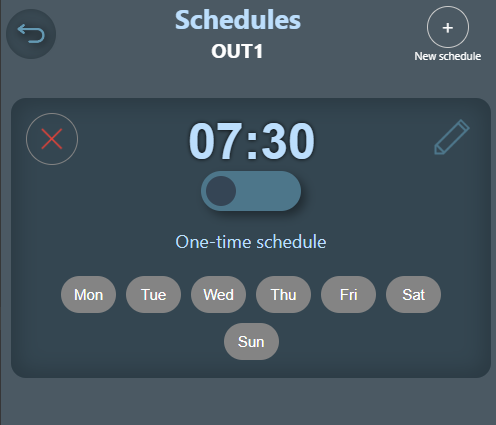
After selecting the time, you can specify which weekdays the schedule repeats. If no days are selected, the schedule is a one-time event and deactivates automatically after it has turned on the output once at the selected time.
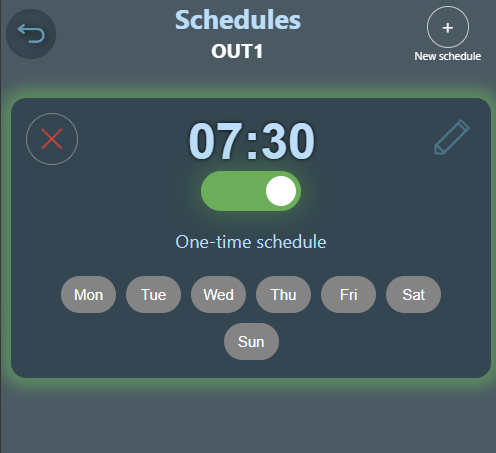
Activate the schedule using the button below the time. The schedule background turns green when active.
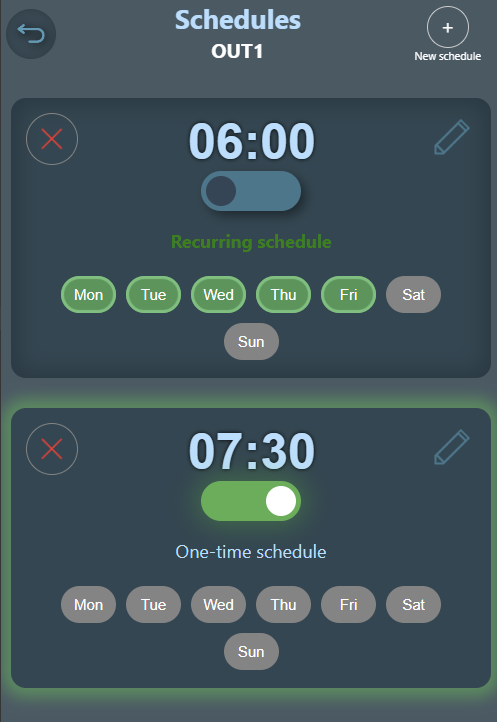
You can create an unlimited number of schedules for different times and weekdays
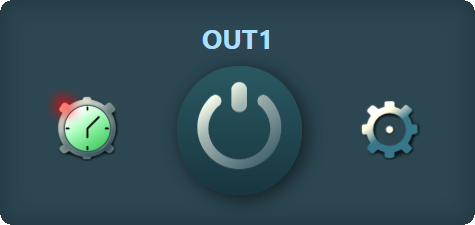
In the interface, the schedule icon turns green when an active schedule is in effect for the output
Thermostat Control

When thermostat control is selected for an output, the output control view on the home screen changes to a thermostat adjustment interface. The thermostat can be activated with a button. The thermostat stays active for the maximum on-time, which can be edited in the output settings.
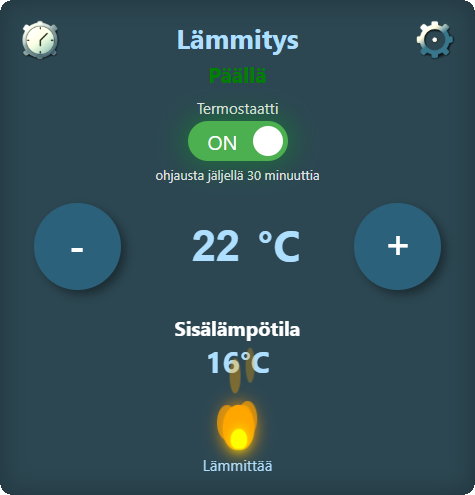
When the thermostat is activated, you can adjust the target temperature and see the temperature of the sensor set for the thermostat.