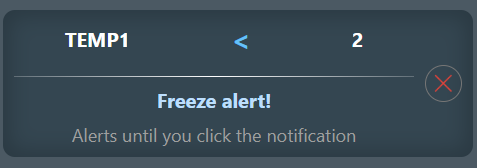
Alerts are useful when you want to receive a notification about a specific event or condition, such as a temperature rise or a voltage dropping below a certain level. Alerts can help you react quickly and prevent potential issues.
You can configure alerts for various conditions and choose whether to be notified once or continuously until you tap the notification on your phone.
Creating an Alert - 1
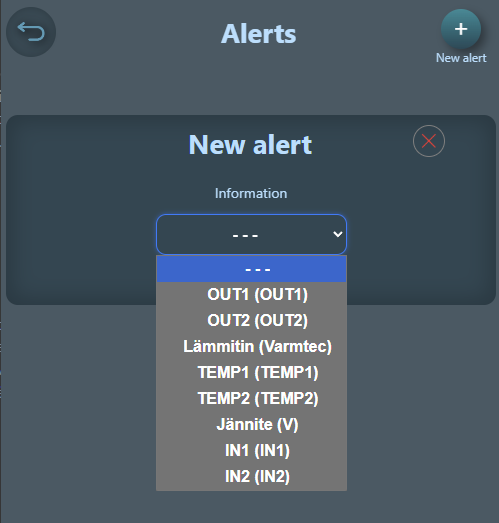
Tap the "New Alert" button in the app
Select the alert source, which can be an input, output, temperature, or supply voltage
For outputs and inputs you can select the state (ON/OFF) that triggers the alert, or set a time that triggers the alert when an input or output has been in the ON state for a certain duration
For inputs you can also set a voltage-based alert that triggers when the input exceeds or drops below a certain voltage
Creating an Alert - 2
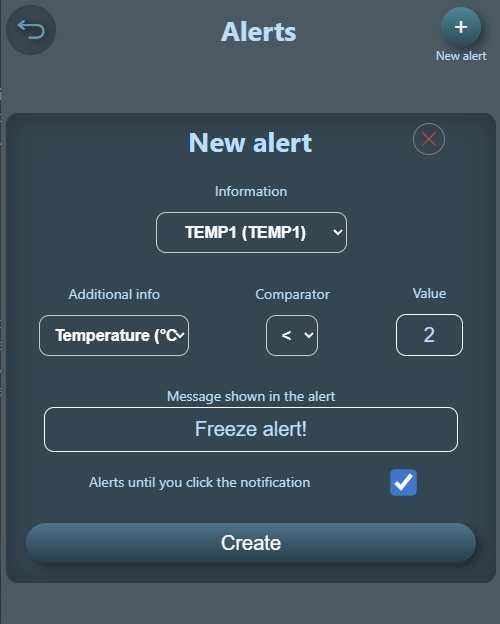
Set the comparison condition that determines when the alert triggers. For example, whether the alert fires when the temperature is above or below 30 degrees
Write the notification text that helps you identify the source and cause of the alert
Choose whether to be notified only once or continuously until you tap the notification on your phone
Tap "Create" and the alert is created
Creating an Alert - 3
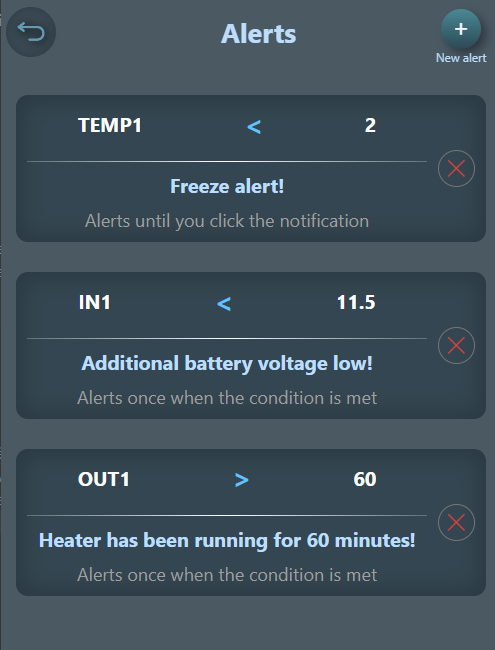
In the alerts menu you can see all the alerts you have created, and you can delete them if needed